Mixed-language captions
Arabic and English can stay in the scripts people actually use, with an evaluation set behind the claim.
LOR. brings video calls and shared work into one room. Review decisions and commitments afterward, and return to the original words whenever you need context.
Want to inspect the build? Open the source
One simple path
Keep the conversation first, with work tools and the record available when needed.
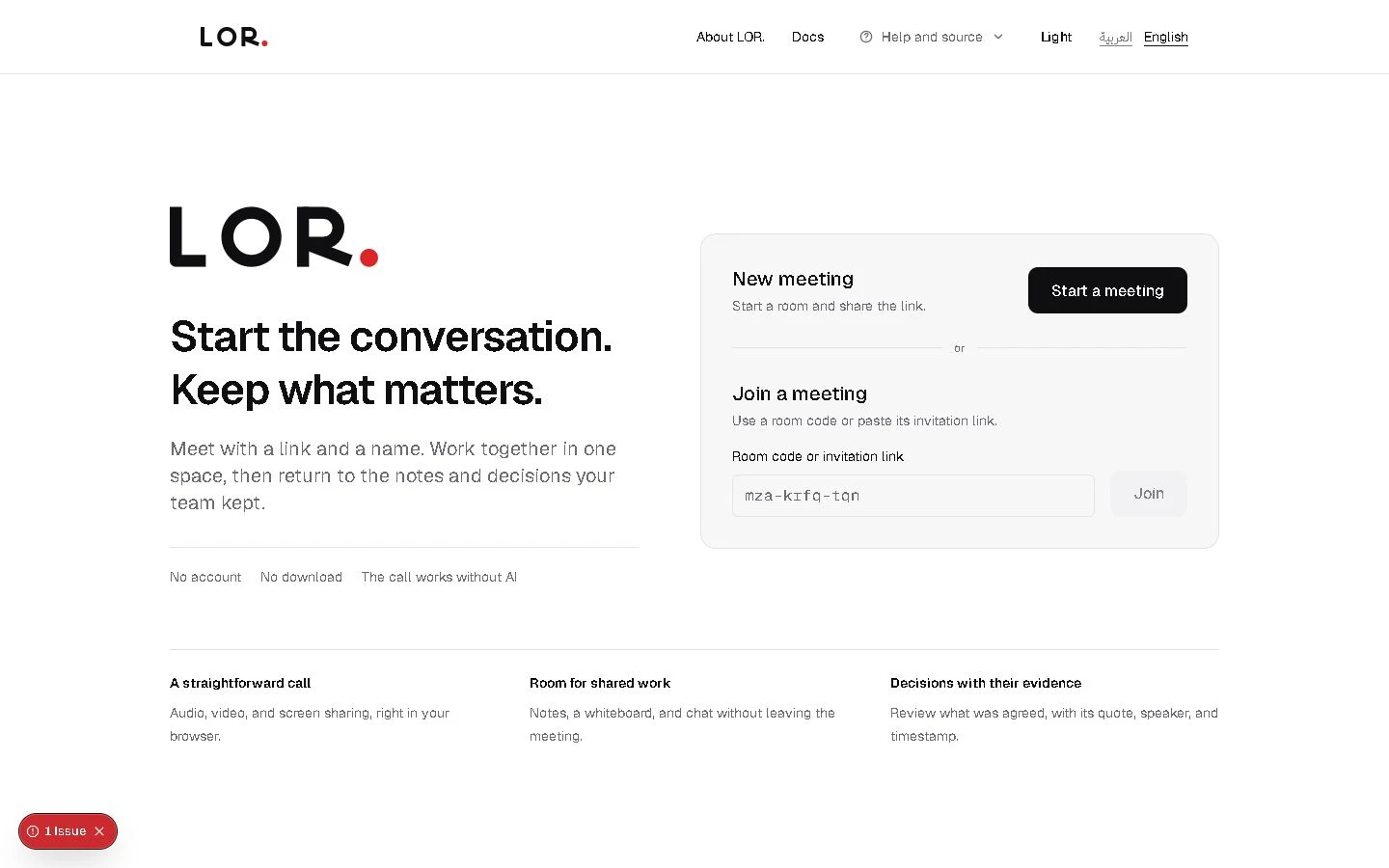
Open a link, type your name, and enter. No account or download stands between the invitation and the call.
Share a board, notes, chat, captions, and local recording while the conversation is happening.
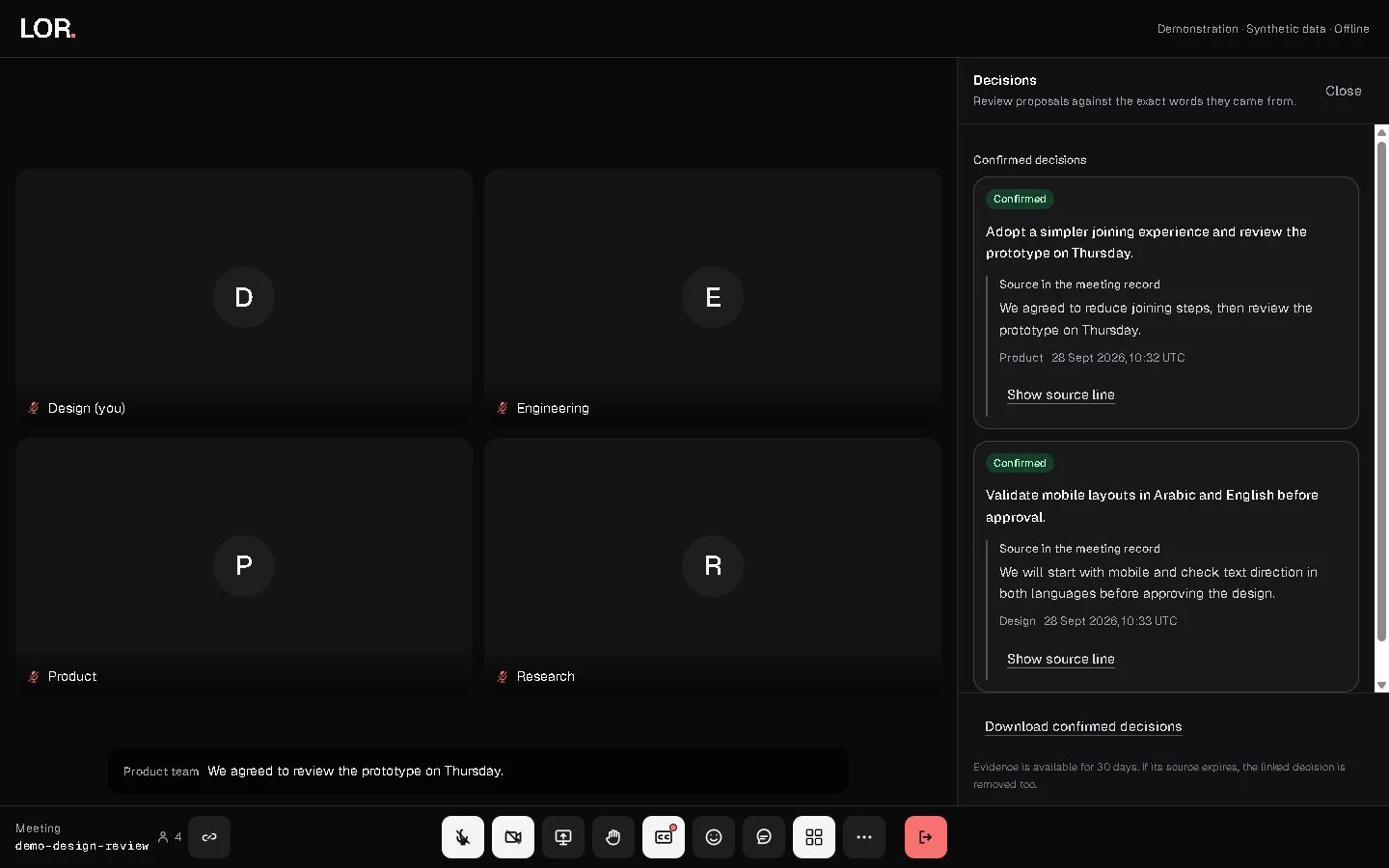
Decisions, commitments, Timeline, Memory, and search stay bounded by retained source evidence.
What is already here
The call and core collaboration tools work without an AI key. Text-processing features remain optional.
Arabic and English can stay in the scripts people actually use, with an evaluation set behind the claim.
Collaborate on a board, rich notes, and chat without leaving the meeting or adding another tab.
Keep a completed WebM in the same browser tab. It is never uploaded, shared, or stored by LOR.
Host-reviewed decisions and action items keep their exact source quote, speaker, and UTC time.
Return to the moments that shaped the meeting, with chapters and highlights tied to retained captions.
Find kept captions, confirmed decisions, and shared notes inside one room—never the live conversation.
Choose for the way you work
Zoom and Google Meet offer capable meetings and advanced AI tools. LOR. focuses on inspectable source, an Arabic-first experience, and host-reviewed outcomes that stay connected to room evidence.
Based on product documentation in September 2026. Availability varies by plan, settings, and region. Official sources:
Designed with boundaries
LOR. makes the important edges visible so the room stays dependable when a provider, quota, or connection does not.
Search and memory stay inside the room's retained, completed record. Live speech and another room never leak in.
A completed local recording stays in the browser tab. It is not uploaded, shared, or kept by LOR.
Your provider key is encrypted in the browser and is never written to the database, logs, or cache.
AGPL-3.0 · Built in public
LOR. is AGPL-3.0. Read the map, run the app, choose a focused issue, and contribute a small change anyone can reproduce.
Before you join
No marketing maze. These are the boundaries that shape the product today.
No. Open a room link, type a display name, and join. The product home is intentionally a focused meeting entry point.
No. Video, audio, screen share, chat, board, notes, and local recording still work without an AI key or quota.
The finished WebM stays in the same browser tab. LOR. does not upload, share, or retain it.
Read CONTRIBUTING.md, choose a focused issue, run the checks, and open a small pull request. The repository keeps the workflow public.
Self-hosting is planned for v0.9. The hosted app is the current public path; follow the roadmap for the deployment contract.
Your next meeting can leave more behind
Try the hosted app, then open the source when you want to see how it works or help shape what comes next.